Computax Software Download – Complete Tax & TDS Solution
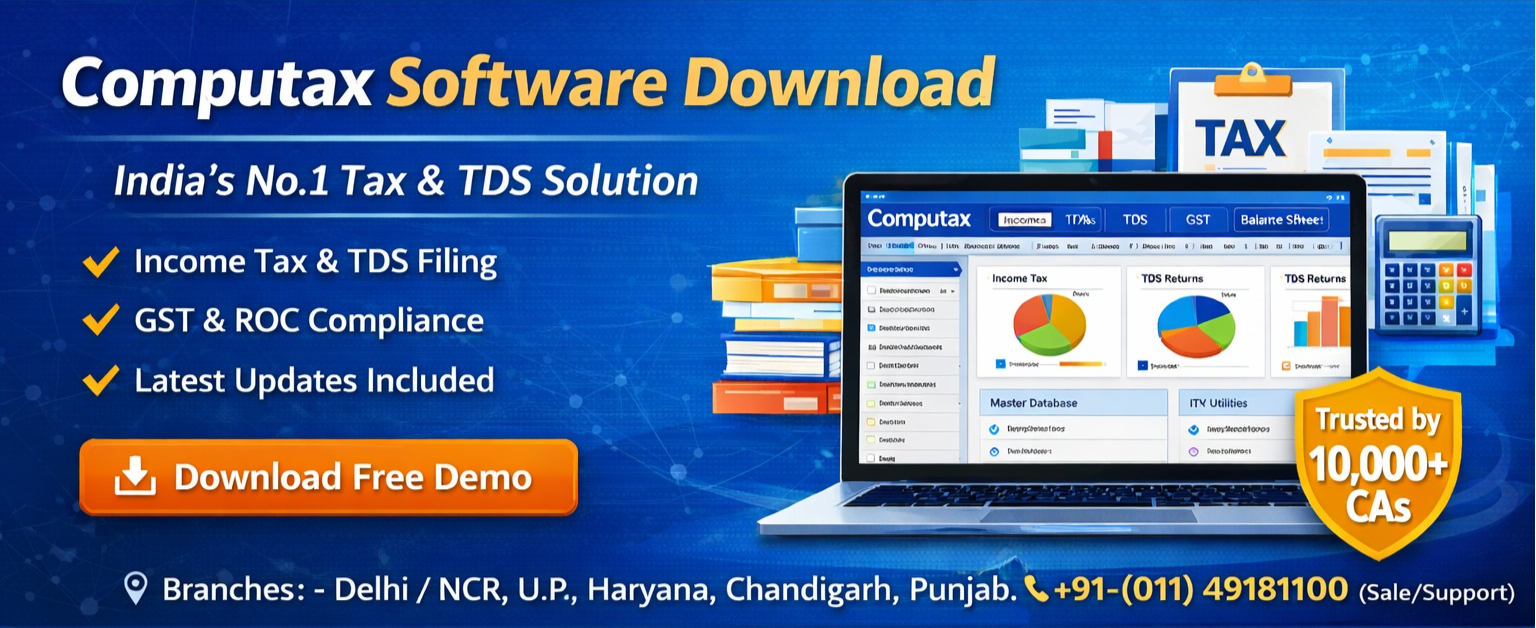
In today’s fast-paced world of tax compliance, professionals and businesses need a reliable, accurate, and easy-to-use tax software that streamlines every step of tax preparation and filing. CompuTax Software has been a trusted name in India’s taxation domain for decades, serving Chartered Accountants, tax practitioners, corporates, and even individual taxpayers with powerful tax, TDS, GST, and compliance solutions.
Why CompuTax Software Stands Out.
Unlike many generic tax utilities, CompuTax has been developed specifically for Indian taxation systems. It automates the computation of income tax, preparation of e-returns, TDS return filing, GST compliance, audit reporting, and more. Professionals rely on it for accuracy, speed, and comprehensive features that handle even complex tax scenarios.
The software suite includes several modules such as:
- CompuTax – Advanced tax computation and e-filing
- CompuTDS – Simplified TDS return filing
- CompuBal – Audit report and balance sheet preparation
- CompuGST – GST return and invoice handling
…and many more solutions for professional workflows.
With a history rooted in automating accounting practices since its inception, CompuTax continues to evolve with the latest updates and compliance features to simplify tax season for users across India.
Step-by-Step: How to Download CompuTax Software
Downloading CompuTax and its associated suite is straightforward and free from hassles. Here’s how you can get started:
Visit the Official Download Page
Go to the official CompuTax download section at:
https://www.computaxsoftware.com/downloads.phpChoose Your Edition You’ll find different setup files such as:COMPUOFFICE (32-bit & 64-bit) CompuTax CompuTDS CompuBal CompuGST
…and supporting tools like Java packages required for installation.
Download Setup Files
Click the setup link suitable for your system. Be sure to download the Java runtime version if required for your Windows OS.
Install & Activate
After downloading, run the installer and follow the on-screen instructions. You may need a license key or demo credentials (often provided with the download page or via contact with the sales/support team).
Once installed, you’ll have access to a powerful suite that supports compliance for income tax, GST, TDS, ROC forms, payroll, and more — all designed for Indian tax professionals.
Best Practices After Download
After downloading and installing CompuTax software:
⇒Update to the latest version – Ensure you have the updated compliance rules and filing formats.
⇒UBack up data regularly – Always maintain backups before starting your tax filing cycle.
⇒Use official support – For installation or feature queries, reach out to official support contacts on the CompuTax website.
If you’re looking for a robust, Indian tax-specific software solution, CompuTax software download offers one of the most complete suites available. With modules tailored for income tax, TDS, GST, audit reporting, and more, it caters to tax professionals and businesses alike. Visit the official download page today and empower your tax workflow with one of India’s most trusted professional tax tools.